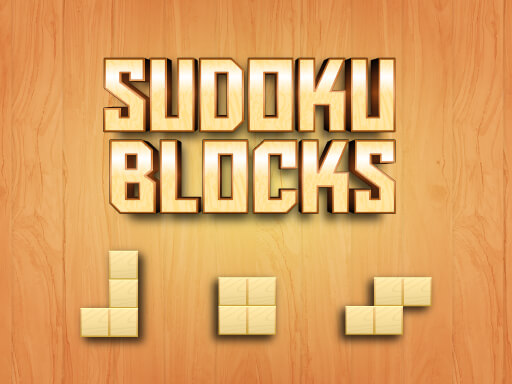


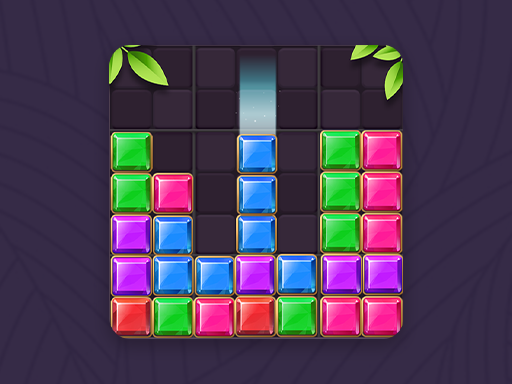
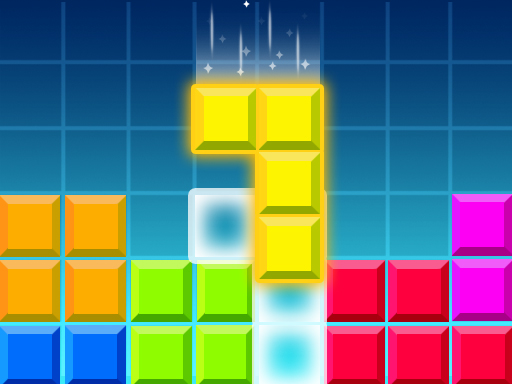
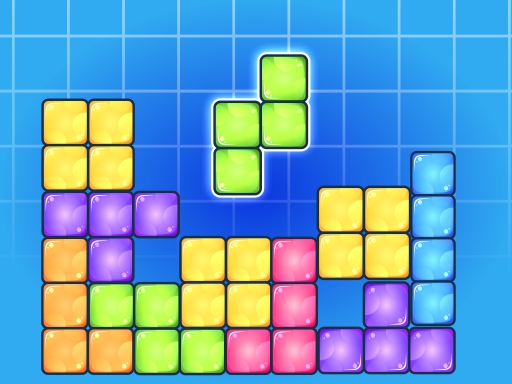
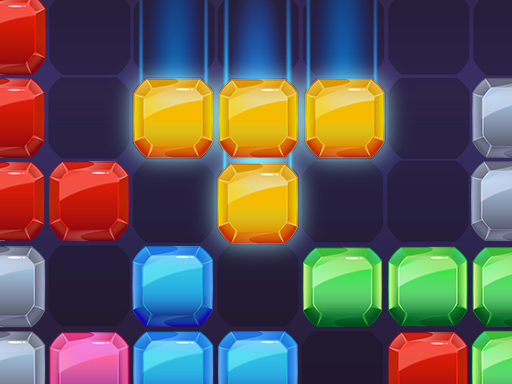
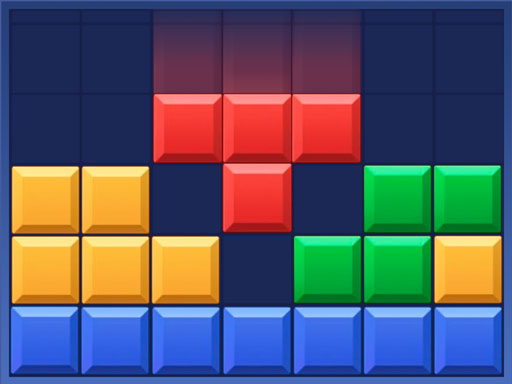
Play Sudoku Blocks free online in your browser. Despite the name, the version we tested has no numbers: it is a falling-block game on a starry grid, where you steer four-square pieces with on-screen buttons as they drop.
How to Play
Goal
Pieces fall one at a time into a grid 15 cells wide. Guide each piece into a good spot and keep the stack from building up to the top. Your score is shown at the top of the screen.
Controls
Three large buttons sit under the grid:
- Left arrow: moves the falling piece one cell to the left.
- Circular arrow: the rotate button.
- Right arrow: moves the piece one cell to the right.
There is no button to drop a piece faster, so plan your moves while it falls. Once a piece lands, it changes to the same pink color as the rest of the stack. The house button in the top-left corner leads to the home screen, and the speaker button in the top-right corner switches sound on or off.
Game over
When the stack gets too high for new pieces, a Game Over screen shows your score. Tap Restart to begin a new game straight away.
Tips
- Move right after a piece appears. With no fast-drop button, the earlier you start moving, the more cells you can travel before the piece lands.
- Use the edges. Pieces appear near the middle of the grid. Filling the sides as well keeps the center from growing into a tall tower.
- Keep the surface flat. An even stack leaves room for every piece shape and slows the climb toward the top.
- Avoid narrow wells. A one-cell-wide gap is hard to fill and may stay open for a long time.
FAQ
Does Sudoku Blocks use numbers or Sudoku rules?
Not in our test play. The game showed only colored four-square pieces falling into a grid, with no numbers or Sudoku boxes.
Can I make pieces fall faster?
No fast-drop button appeared. The controls under the grid are left, rotate and right.
How do I start a new game after losing?
Tap Restart on the Game Over screen.