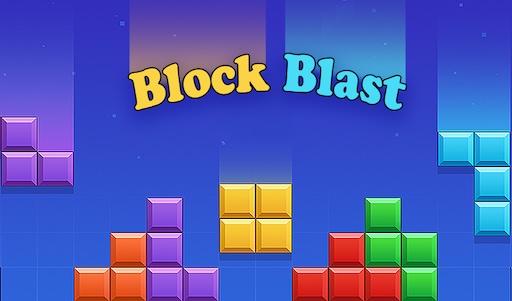



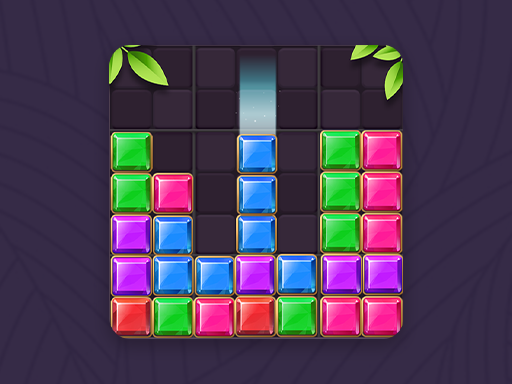
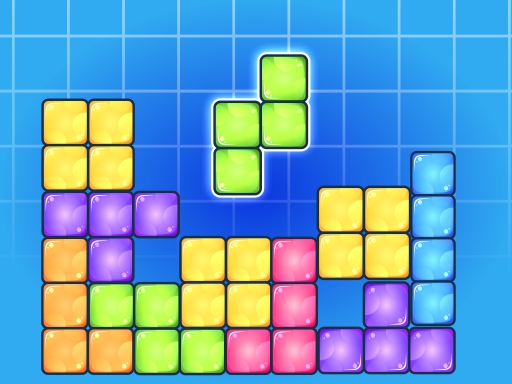
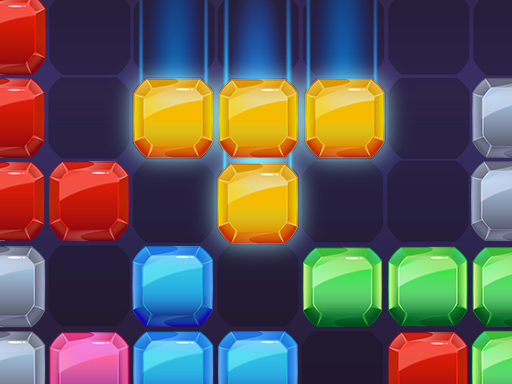
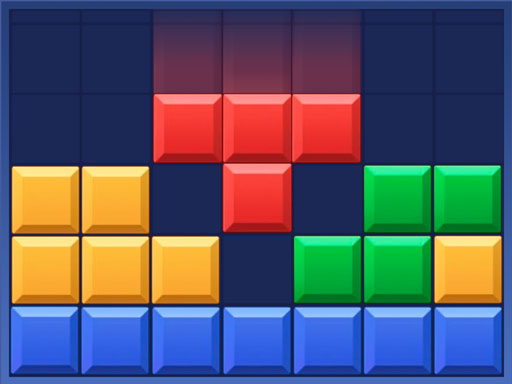
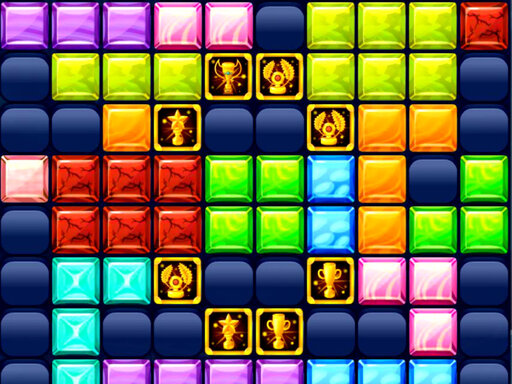
Play Brick Game Classic free online in your browser. The main menu offers three modes: Classic, a falling-brick game styled after old handheld brick consoles; Jewelry, a drag-and-drop block puzzle; and Limited.
How to Play
Classic mode
Classic mode uses a tall grey well with retro square bricks, 10 cells wide. Pieces fall from the top one at a time. Light grey cells at the bottom of the well mark where the current piece will land, and a small window on the right previews the next piece. Your score is shown above the preview.
Four buttons sit under the well: left, right, rotate (a circular arrow) and down. Beside the well are a red pause button and a blue home button. Stack the pieces carefully: in our test play, the game stopped once the bricks piled up to the top of the well.
Jewelry mode
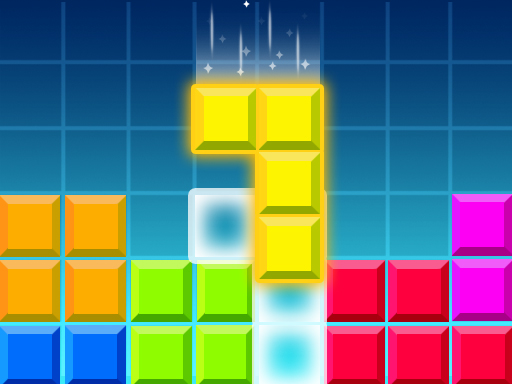
Jewelry mode switches to an 8×8 board with jewel blocks. Three shapes wait below the board; drag one onto the grid and release it where it fits. Each placed block adds to your score, and the trophy counter at the top shows your best score. There is a pause button in the top-right corner and a Refresh button with a video icon next to the shapes.
Other options
On the main menu, a speaker button controls sound and a palette button sits below it. We did not test Limited mode, so this guide does not describe it.
Tips
- Watch the landing cells. In Classic mode, line up the light grey landing cells with the gap you want before you speed the piece up.
- Check the next piece. The preview window shows what comes next, so leave a suitable space for it.
- Rotate early. Turn the piece while it is still high in the well, so there is time to move it sideways.
- Keep the stack low and flat. A flat surface gives more pieces a good place to land and keeps the bricks away from the top.
- In Jewelry mode, plan for all three shapes. Before you place the first one, check that every waiting shape will still have room.
FAQ
Which modes does Brick Game Classic have?
The main menu lists Classic, Jewelry and Limited.
Does Classic mode show the next piece?
Yes. A preview window to the right of the well shows the next piece.
How is Jewelry mode different from Classic mode?
In Jewelry mode nothing falls. You drag shapes from below the board onto an 8×8 grid, and each placed block adds to your score.